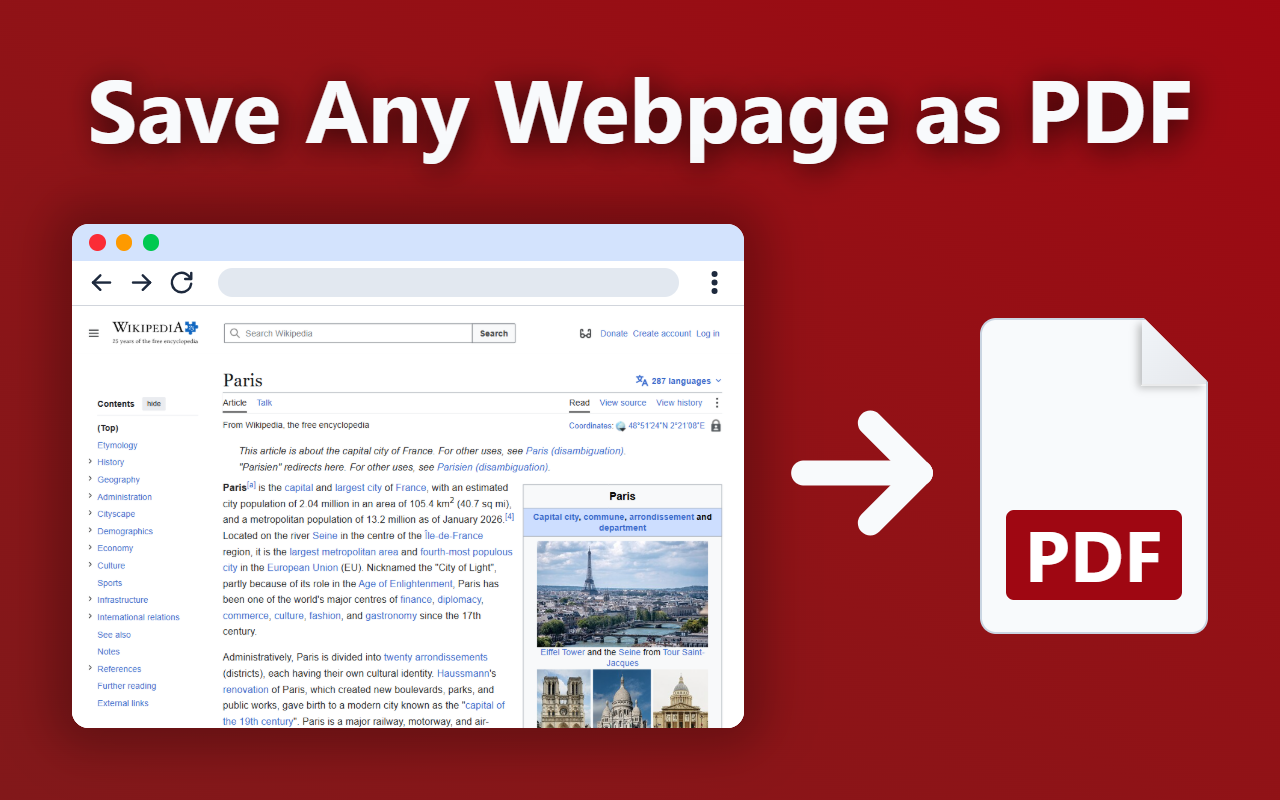
Convert webpage to PDF instantly. Download webpage as PDF in one click or save web page as PDF for printing, sharing or editing.
We’re excited to announce that Webpage to PDF is officially live in the Chrome Web Store.
A fast and reliable way to download site pdf, convert page to pdf, save any page as pdf, and turn any webpage to pdf with the original layout, structure, and styling preserved.
Built for professionals, students, researchers, and teams who need high-quality PDF exports without losing formatting, images, or links.
🚀 Webpage to PDF Now

Install the Webpage to PDF Chrome Extension to convert any webpage to PDF instantly.
⚡ The Problem with Saving Web Pages
Saving web pages should be simple.
But screenshots lose structure, browser printing breaks layouts, and many tools fail to preserve content properly.
If you need to download as pdf, download webpage as pdf, or export site pdf, quality matters.
That’s exactly why Webpage to PDF was built.
✨ Why Webpage to PDF?
Most tools don’t preserve the page the way you see it.
Webpage to PDF makes it easy to convert page to pdf, download page pdf, or save any site as pdf in seconds.
Powered by Chrome’s native PDF engine for fast, stable, and high-quality output.
Key features:
- ✔️ Keep original design, layout, fonts, and styling
- ✔️ Save images and clickable links
- ✔️ Instant one-click export
- ✔️ High-quality PDF output powered by Chrome
- ✔️ Flexible save options for reading, sharing, or printing
- ✔️ 100% Private — no uploads, no tracking
- ✔️ Printable PDF — clean, structured, ready to print
The simplest way to download site pdf, download as pdf, or export site pdf without losing quality.
⚙️ How It Works
Three simple steps:
1. Open any webpage
2. Click the extension icon
3. Download your PDF instantly
That’s it.
A fast workflow to convert page to pdf, save webpage to pdf, and download site as pdf without extra setup.
💡 Onboarding Tips for Better Results
Get the best PDF output with these simple tips:
- Wait until the webpage fully loads before conversion
- Close pop-ups, banners, or chat widgets before export
- Reload the page if something looks incomplete
- Use full-page view for better structure preservation
These small steps help you generate cleaner and more accurate PDFs.
📄 Why PDF Works Better Than Screenshots
Screenshots are static. PDFs are reusable.
When you download webpage as pdf or save a webpage to pdf, you get:
- Clean, printable layout
- Sharp, readable text
- Clickable links preserved
- Real document structure
- Copyable and reusable content
- Better archiving and sharing
A better alternative to screenshots and broken print previews.
📚 Built for Real Workflows
Webpage to PDF works across real-world use cases:
- Save articles before they disappear
- Export invoices and reports (print-ready)
- Archive documentation and guides
- Save tickets and bookings
- Capture receipts and payment confirmations
- Store Terms of Service and Privacy Policies
- Build your personal knowledge archive
Whether it’s an article, invoice, report, recipe, guide, or documentation — the extension is built to handle it.
👥 Who Is It For?
Perfect for anyone who needs reliable webpage to pdf conversion:
- Students saving study materials and articles
- Professionals exporting reports and invoices
- Researchers building offline archives
- Writers & Bloggers collecting references
- Teams sharing clean documents internally
- Everyday users who want to download as pdf quickly
Designed for speed, simplicity, and professional results.
❓ Frequently Asked Questions
💬 How do I download a webpage as a PDF?
👉 Open the page, click the extension icon, and your PDF will be generated instantly.
💬 Does it preserve images, links, and formatting?
👉 Yes. Webpage to PDF preserves layout, images, clickable links, and styles so your PDF matches the original page.
💬 Is it private and secure?
👉 Yes. Your files are processed locally and saved directly to your device.
No page content is uploaded to external servers.
💬 Can I use it for reports, invoices, or long articles?
👉 Yes. The extension works well with articles, invoices, reports, guides, and documentation.
🔒 Privacy First
Security and privacy are built into the product.
- Your data stays on your device.
- No uploads. No servers. No risks.
- No personal data collection
- No account required
100% private by design.
🚀 Try It in One Click
If you need a fast, professional, private, and high-quality way to download site pdf, save page as pdf, download webpage as pdf, or turn any site as pdf into a clean document — Webpage to PDF is built for you.
Reliable export quality. Instant results. Zero complexity.

Install Webpage to PDF now and start converting any webpage into a professional PDF in seconds.